 Cabinet Water Guide
Look up cartridges and compare yearly costs
Open the printable cabinet-fit worksheet
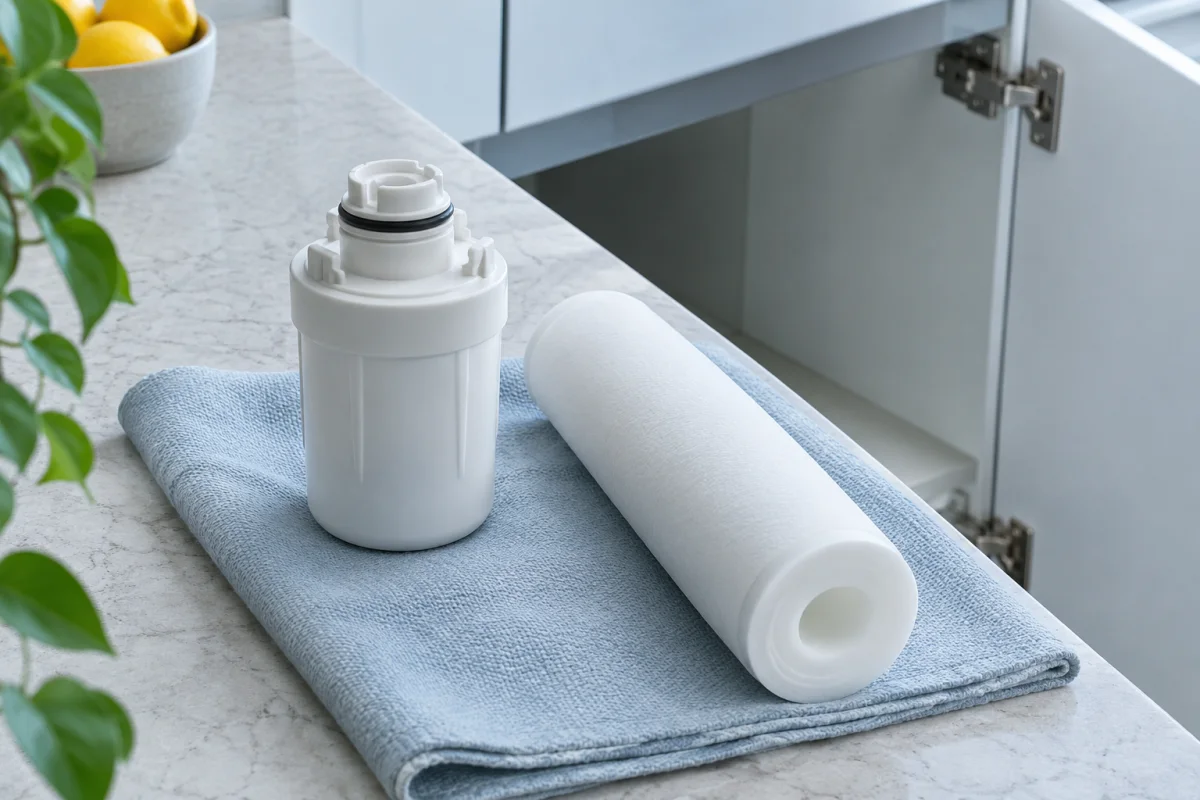
Compare the models side by side
Read the label on the installed housing
Take a photo of the full model label and the printing on the cartridge. Include letters at the end of each code and the stage number. The system name helps you find the manual. The part label helps you choose a specific refill. Search both in the catalog if you find several similar results.
Cross-check the compatibility table
For example, Waterdrop’s G3P600 membrane listing identifies the RO stage separately from the CF cartridge. Frizzlife lists ASR211 separately from ASR212-600G for the PD600 family. Prefixes shared by two part codes can indicate a family. The compatibility table identifies the specific system and configuration.
Confirm the housing and connector
Check whether the part screws in, twists out, or fits a standard housing. Check the outside diameter, length and end style when the seller provides them. A ceramic filter and a quick-change cartridge can both be sold for under-sink systems and still have different interfaces.
Check the quantity and replacement schedule
Confirm whether the order includes the single stage you need, several identical cartridges, or a set of different stages. Look up the interval for each stage in your manual and follow the manufacturer’s instructions for replacement, flushing and resetting any filter indicator.
Sources and notes
- Waterdrop G3P600 installation manual · Owner’s manual ·
- Waterdrop G3-N1CF exact cartridge listing · replacement listing ·
- Waterdrop G3P600-RO exact membrane listing · replacement listing ·
- Frizzlife ASR211 exact cartridge listing · replacement listing ·
- Frizzlife ASR212-600G exact membrane listing · replacement listing ·
- Doulton Biotect Ultra part and housing compatibility · Manufacturer product page ·